



Most charting platforms expect you to do all the work. Drawing trendlines, marking levels, and checking multiple timeframes manually takes time and focus.
TrendSpider was built to reduce that workload by automating technical analysis tasks that traders repeat every day.
This TrendSpider review looks at how well that automation actually works, who benefits most from it, and where it falls short.
It’s not a beginner toy, but for the right trader, it can seriously change how analysis is done.
What TrendSpider Is Designed to Do
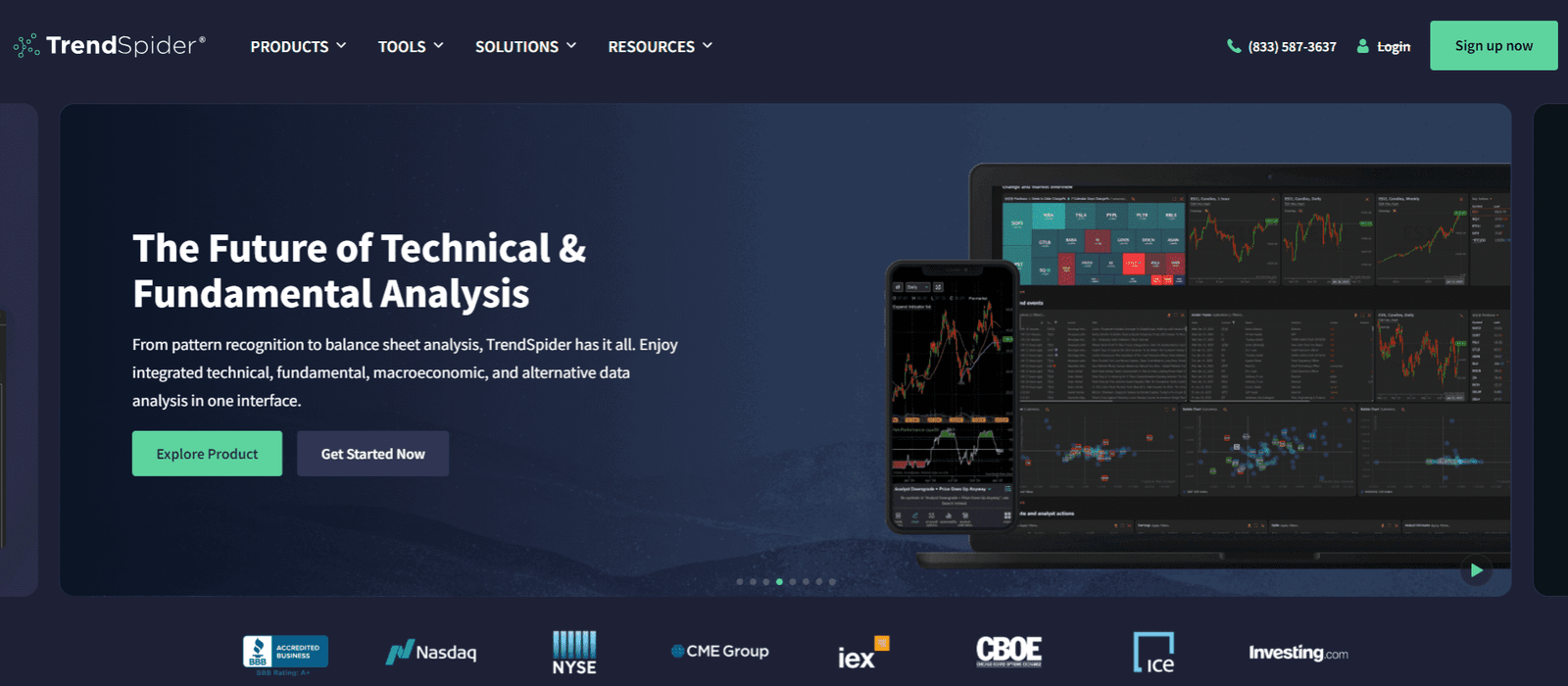
TrendSpider is a charting and analysis platform focused on automation and multi-timeframe logic. Its goal is to remove subjective chart work and replace it with rules-based analysis.
Instead of manually drawing trendlines or guessing support and resistance, the platform calculates them automatically using historical price data.
The software is used mostly by swing traders, position traders, and technically driven day traders. It works across stocks, crypto, forex, and futures, though stocks and crypto are its strongest areas.
TrendSpider is not a trading platform. You do not place trades inside it. It’s meant to sit before execution and help you make cleaner decisions with fewer biases.
Automated Trendlines and Levels
One of TrendSpider’s most talked-about features is automated trendlines.
Instead of drawing lines by hand, the system scans price history and plots statistically relevant trendlines for you.
What the Automation Actually Does
- Identifies swing highs and lows using algorithms
- Draws trendlines based on price structure, not opinion
- Updates levels automatically as new data comes in
- Removes emotional bias from chart drawing
This matters because two traders often draw different trendlines on the same chart. TrendSpider eliminates that inconsistency.
You may not always agree with every line it draws, but at least the logic stays consistent.
Support and Resistance Handling
TrendSpider also automates horizontal support and resistance zones. These are calculated using price clustering and volume interaction, not just obvious highs and lows.
Over time, this helps traders focus on levels that have actually mattered, not just ones that look good visually.
Multi-Timeframe Analysis Without the Mess
Multi-timeframe analysis is where TrendSpider clearly separates itself from most charting tools. Instead of flipping between charts, it overlays higher timeframe levels directly onto lower timeframe charts.
This allows traders to:
- See weekly and daily levels on intraday charts
- Align entries with higher timeframe trends
- Avoid trading directly into major resistance
- Keep analysis clean and readable
For swing traders, this is a big deal.
Many bad trades come from ignoring higher timeframe context. TrendSpider keeps that context visible at all times, which helps reduce impulsive decisions.
Strategy Tester and Alerts
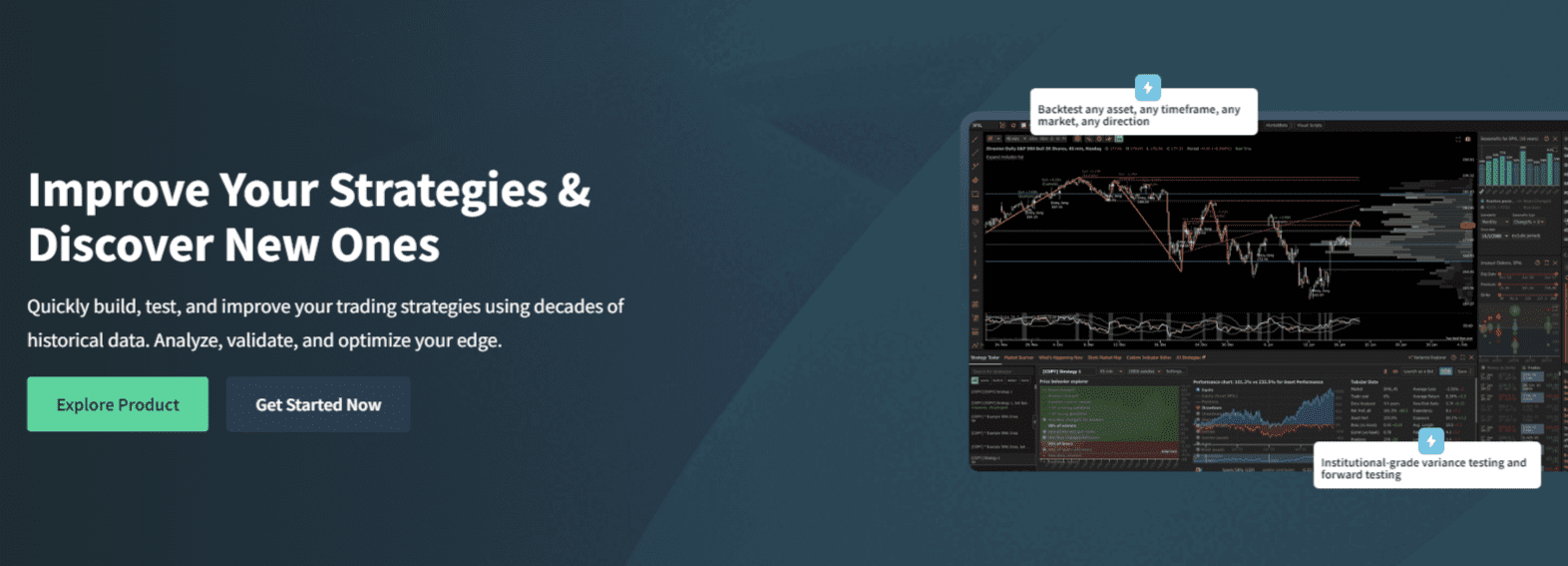
TrendSpider includes a strategy testing and alert system designed for rule-based traders. It’s not meant for complex algorithmic trading, but it works well for validating technical conditions.
Strategy Testing Capabilities
- Test indicator-based conditions
- Combine multiple indicators and timeframes
- Review historical performance quickly
- Identify whether ideas have edge or not
This is useful for traders who rely on breakouts, moving averages, or momentum setups. You can quickly see whether a rule set has worked historically instead of trusting gut feeling.
Alert System in Practice
Alerts can be built using the same logic as strategy tests. Instead of basic price alerts, you can trigger notifications based on:
- Trendline breaks
- Indicator conditions
- Multi-timeframe alignment
- Volatility expansion
This allows traders to step away from screens without missing valid setups.
Who TrendSpider Is Best For

TrendSpider is not a general-purpose platform. It works best for a specific type of trader who values structure and repeatability.
Best fit:
- Swing traders and position traders
- Traders using technical indicators
- Traders who want rules, not discretion
- Traders managing many symbols at once
Less suitable for:
- Pure scalpers
- Order-flow traders
- Traders who trade off intuition only
- Beginners still learning chart basics
If you enjoy building systems and refining rules, TrendSpider fits naturally into that workflow.
Data Quality and Market Coverage
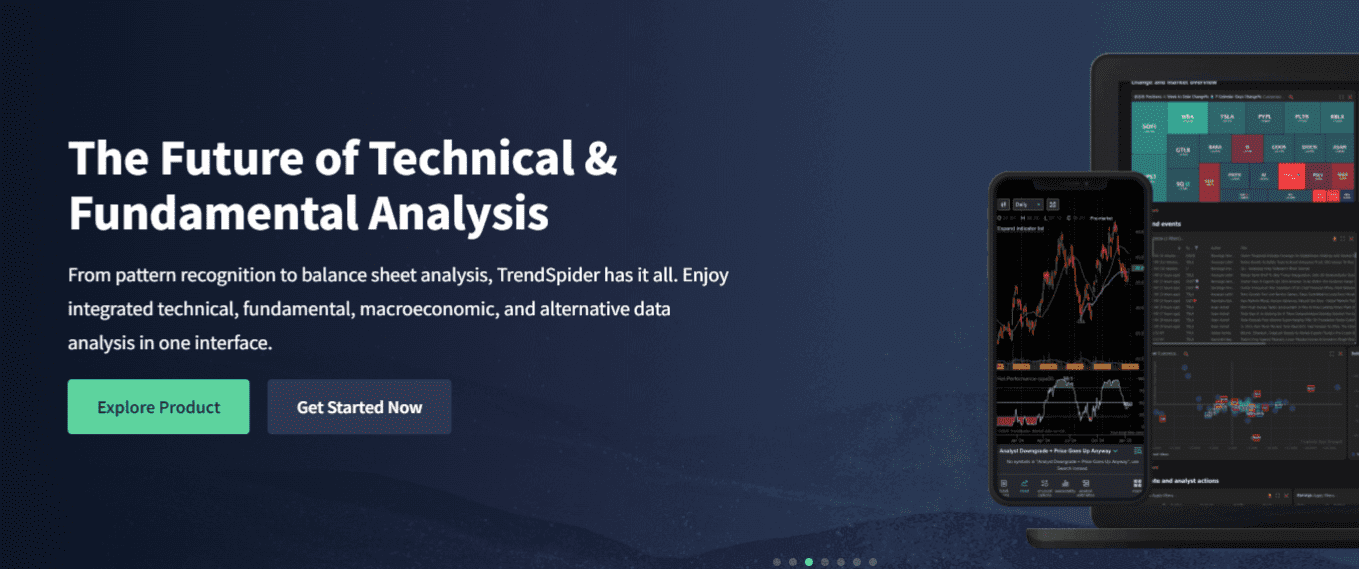
TrendSpider uses high-quality historical data suitable for technical analysis. For stocks, data depth is strong, and indicators behave reliably.
Crypto coverage is solid for major pairs and exchanges. Forex and futures are supported, but many traders use it mainly as a secondary confirmation tool in those markets.
It’s important to understand that TrendSpider focuses on analysis, not execution or microstructure. It does not show order flow, depth, or liquidity behavior.
That’s by design.
Limitations You Should Be Aware Of
TrendSpider is powerful, but it has clear limits. Key limitations:
- No trade execution
- No order flow or depth data
- Automation can feel restrictive to discretionary traders
- Subscription cost may be high for casual users
It works best when used as a decision engine, not a complete trading solution.
Frequently Asked Questions
Can TrendSpider Replace TradingView Completely?
TrendSpider can replace TradingView for technical analysis, but many traders still use both. TrendSpider is stronger in automation, multi-timeframe logic, and rule-based alerts, while TradingView excels at social features, custom scripts, and broad community indicators. The choice depends on how systematic your trading is.
Does TrendSpider Require Programming Knowledge to Use Effectively?
No, TrendSpider does not require coding skills. Its strategy testing and alerts are built using visual rule builders. Traders can create complex conditions without writing code, which makes it accessible to non-technical users who still want rule-based trading workflows.
How Reliable Are TrendSpider’s Automated Trendlines?
The automated trendlines are consistent and data-driven, but they are not perfect. They work best as a baseline rather than absolute truth. Experienced traders often combine them with market context to decide which levels matter most in real trading conditions.
Is TrendSpider Suitable for Funded Account or Prop Firm Trading?
TrendSpider can be useful for prop firm traders during the analysis phase, especially for swing-style strategies. However, it is not designed for execution or strict intraday risk control. Most funded traders use it alongside a separate trading platform for placing trades.
Conclusion
TrendSpider is built for traders who want structure, automation, and consistency in technical analysis.
It reduces chart clutter, removes bias, and saves time by handling repetitive tasks automatically. It’s not for everyone, and it won’t replace trading skill.
But for system-driven traders who want cleaner analysis and fewer emotional decisions, TrendSpider delivers real, practical value without unnecessary noise.