

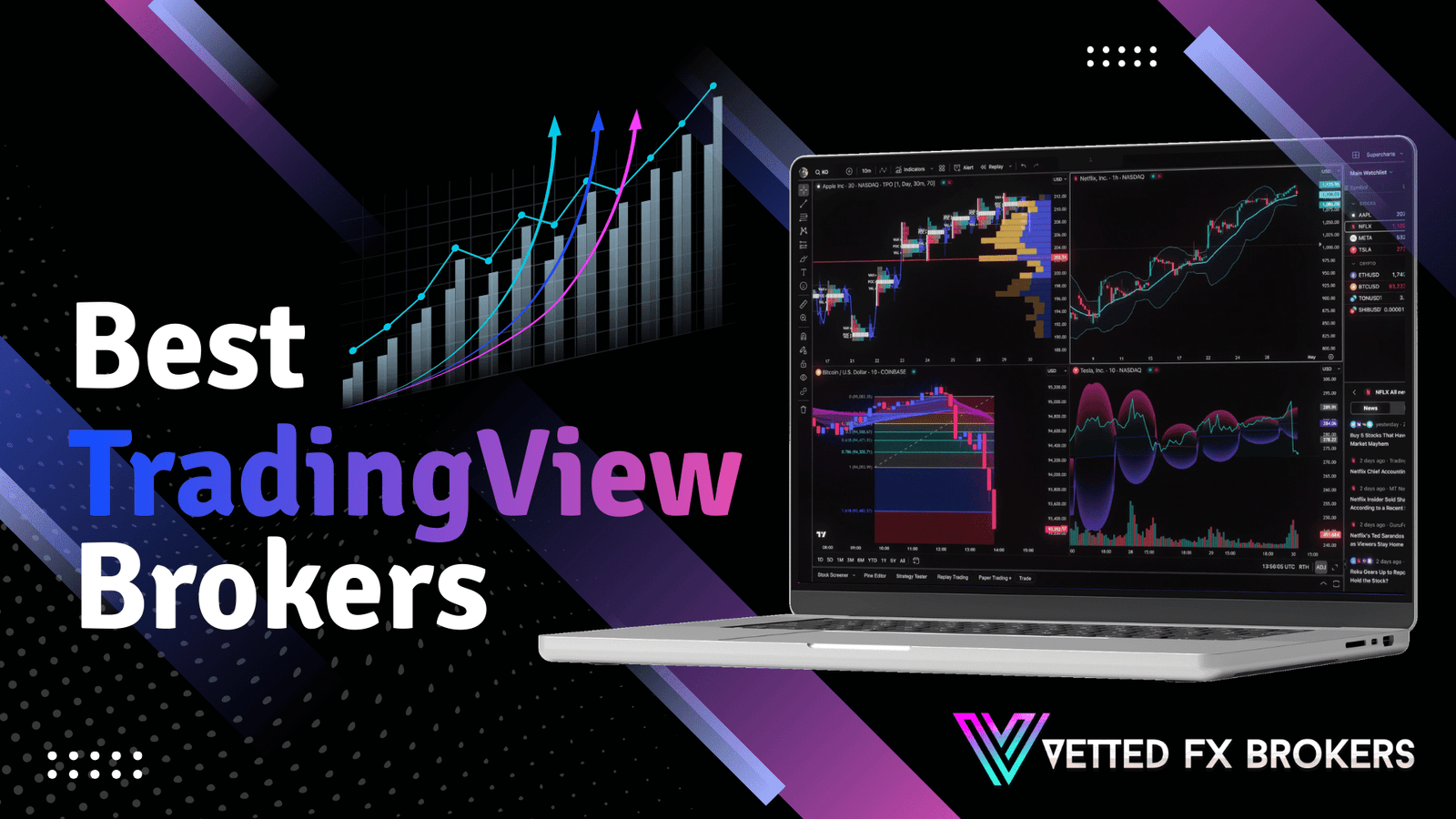

TradingView combines advanced charting with direct trade execution when connected to a supported broker.
Instead of switching between analysis software and a separate trading platform, you can place orders directly from the chart.
Broker compatibility matters because execution speed, spread structure, and asset coverage depend on the integration quality.
This guide reviews the best TradingView brokers based on platform connectivity, pricing transparency, regulatory strength, and overall trading conditions.
Best TradingView Brokers
TradingView integration allows you to analyze markets and execute trades within the same interface.
The brokers below connect directly to TradingView and provide stable order routing, competitive spreads, and regulated trading conditions.
1. Blueberry Markets
Blueberry Markets connects directly to TradingView, so you can execute forex and CFD trades from TradingView charts without switching platforms.
The broker operates under ASIC regulation and provides segregated client accounts.
Traders can choose between Standard and Raw accounts, with Raw spreads starting near 0.0 pips plus commission.
Blueberry supports major, minor, and several exotic currency pairs along with index and commodity CFDs.
Execution routes through established liquidity providers, which helps maintain stable pricing during high-impact news events.
Funding options include bank transfer, credit card, and online payment systems. The broker also supports automated strategies through its broader platform infrastructure.
2. Pepperstone
Pepperstone offers full TradingView integration alongside its multi-platform trading infrastructure.
Traders can access forex pairs, indices, commodities, and crypto CFDs directly through the TradingView interface.
The broker operates under ASIC and FCA regulation and provides both Razor and Standard account structures. Razor accounts feature low spreads with commission per lot.
Pepperstone connects traders to deep liquidity pools, which supports consistent execution quality.
The broker maintains low-latency servers and professional-grade infrastructure.
Risk management tools such as stop loss and take profit remain fully functional through TradingView. Funding options include bank transfer, cards, and digital wallets.
3. ThinkMarkets
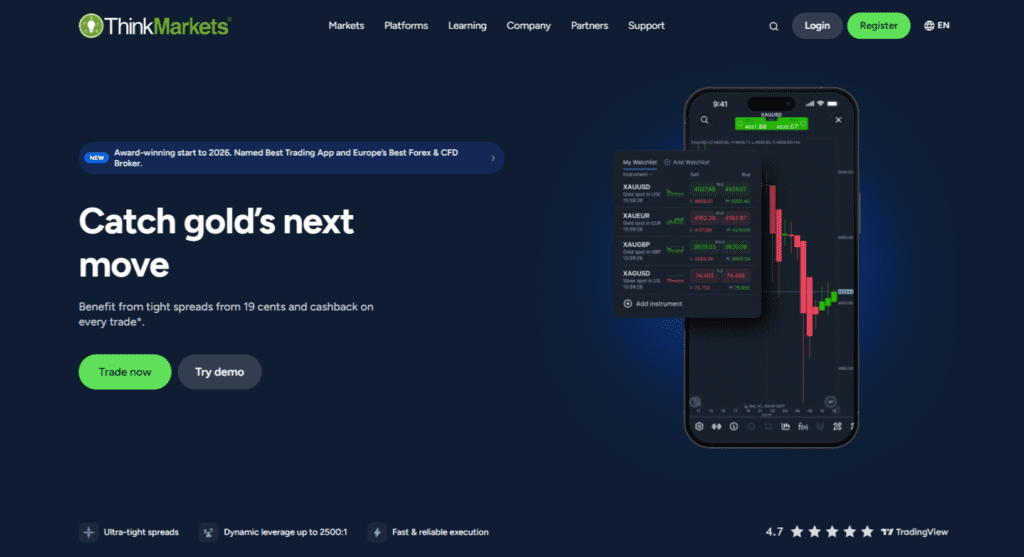
ThinkMarkets integrates TradingView with its trading environment, allowing direct order placement from advanced chart layouts.
The broker operates under multiple regulatory authorities, depending on region. Traders can access forex pairs, global indices, commodities, and share CFDs.
ThinkMarkets provides competitive spreads and transparent pricing models across account types.
The integration supports detailed chart analysis, technical indicators, and custom watchlists within TradingView.
Execution routes through established liquidity channels to reduce slippage risk.
The broker also provides educational materials and research updates. Clients can fund accounts using bank transfers, cards, and online payment solutions.
4. BlackBull Markets

BlackBull Markets connects TradingView to its ECN trading infrastructure, giving traders access to direct market pricing.
The broker operates under New Zealand regulation and maintains segregated client funds.
Traders can access a broad range of forex pairs along with indices, commodities, and cryptocurrency CFDs.
BlackBull offers multiple account tiers based on deposit level and pricing structure. The TradingView integration allows chart-based order execution with live pricing feeds.
The broker focuses on fast processing speeds and stable connections to global liquidity providers. Funding methods include bank transfer and card payments.
5. City Index
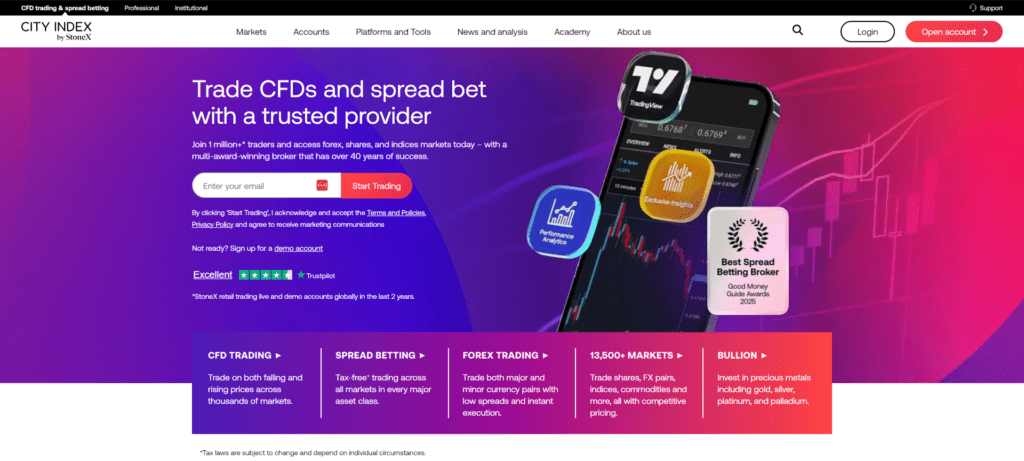
City Index provides TradingView connectivity alongside its established trading ecosystem. The broker operates under FCA regulation and has a long operating history in global markets.
Traders can access a wide range of forex pairs and CFDs on indices, shares, and commodities.
The integration allows you to analyze price movements using TradingView tools while executing trades directly through City Index.
The broker offers competitive spreads and transparent pricing structures.
City Index maintains strong risk management controls and provides negative balance protection where required. Clients can fund accounts via bank transfer and card.
6. OANDA
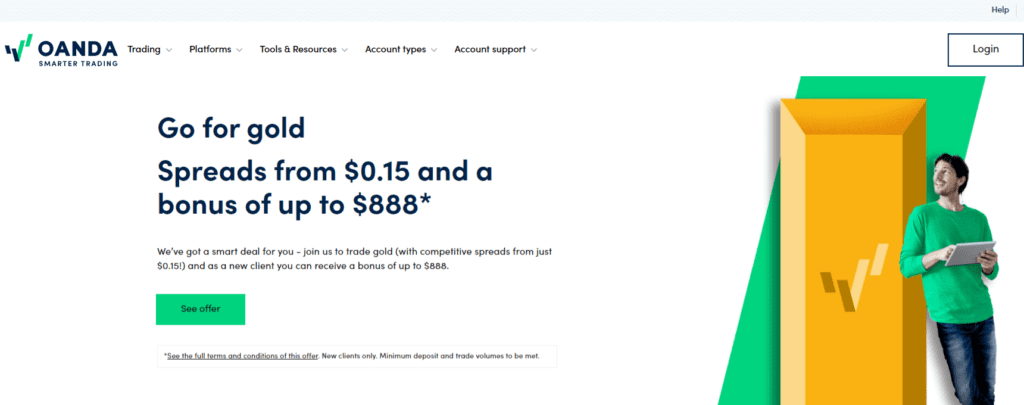
OANDA integrates TradingView with its regulated trading environment, which operates under authorities including the CFTC and FCA.
Traders can access more than 60 currency pairs along with index and commodity CFDs.
OANDA offers transparent spread-based pricing with no strict minimum deposit requirement in many regions.
The TradingView connection supports live chart-based trading and detailed market analysis.
OANDA provides historical exchange rate data and analytical tools to support decision-making. The broker emphasizes pricing transparency and client fund protection.
Funding options include bank transfer and card payments.
7. FXCM
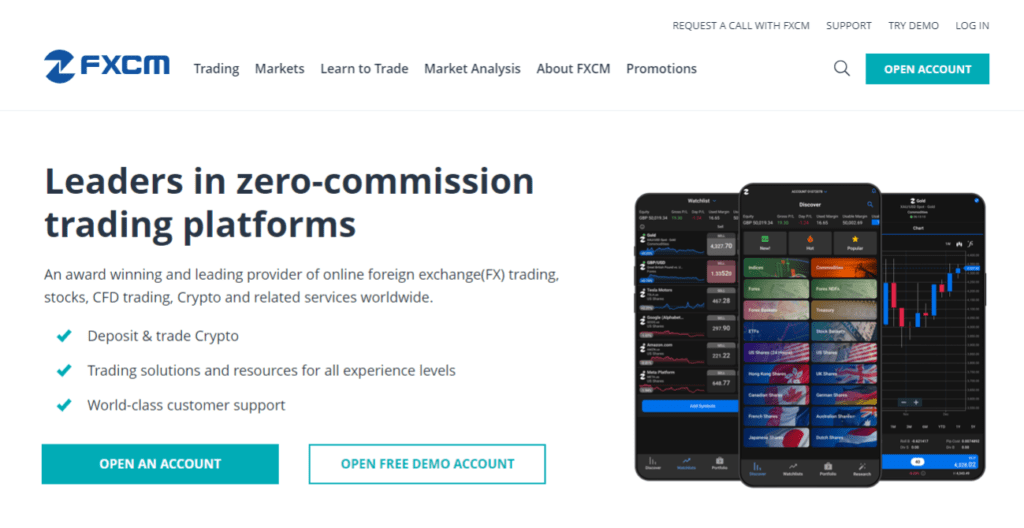
FXCM supports TradingView integration and operates under multiple regulatory frameworks depending on the region.
Traders can access forex pairs, indices, and commodity CFDs directly from TradingView charts. FXCM provides competitive spreads and supports both standard and active trader account structures.
The broker maintains a long operating history and focuses on execution transparency.
TradingView users can manage open positions, set stop loss levels, and monitor margin directly within the interface.
FXCM also offers market research and educational resources. Funding options include bank transfer and card payments.
8. easyMarkets
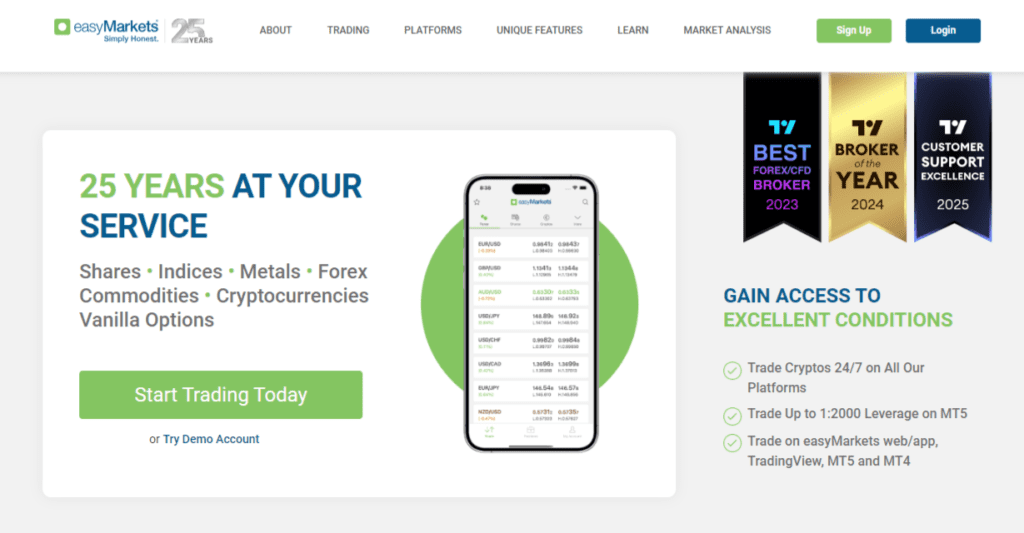
easyMarkets connects TradingView with its trading system while emphasizing risk management features.
The broker operates under several regulatory authorities depending on jurisdiction. Traders can access forex pairs, commodities, and indices through the integration.
easyMarkets is known for fixed spread options and offers tools such as deal cancellation in certain account structures.
The TradingView connection allows direct chart-based trading with live pricing feeds.
The broker provides negative balance protection and structured risk controls. Clients can fund accounts using bank transfers, cards, and online payment services.
| Broker | Regulation Strength | TradingView Execution | Pricing Structure |
| Blueberry Markets | Tier-1 (ASIC) | Direct chart-based order routing | Raw + Standard accounts |
| Pepperstone | Tier-1 (ASIC, FCA) | Low-latency direct integration | Razor + Standard accounts |
| ThinkMarkets | Multi-region regulation | Full chart execution support | Spread-based + commission models |
| BlackBull Markets | FMA NZ regulation | ECN connectivity via TradingView | Tiered ECN accounts |
| City Index | Tier-1 (FCA) | Integrated CFD and FX trading | Spread-based pricing |
| OANDA | Tier-1 (CFTC, FCA) | Direct forex execution | Transparent spread-only model |
| FXCM | Multi-region regulation | Chart execution with margin control | Standard + Active trader accounts |
| easyMarkets | Multi-region regulation | Direct order placement from charts | Fixed and variable spreads |
Frequently Asked Questions
How Does TradingView Connect to a Broker Account?
TradingView connects through an authorized broker integration. After you log in to your broker inside TradingView, the platform routes orders directly to the broker’s servers.
Pricing, spreads, and execution come from the broker, not from TradingView. You can open, modify, and close trades directly from the chart interface.
Do All Brokers Support Full TradingView Execution?
No. Some brokers allow chart viewing only, while others support complete order placement and position management.
Full integration means you can submit market orders, set stop loss and take profit levels, and monitor margin without leaving TradingView.
Always confirm execution support before opening an account.
Are Spreads Different When Trading Through TradingView?
Spreads remain the same because pricing comes from your broker. TradingView acts as the interface, but the broker controls bid and ask quotes.
Raw and Standard account pricing structures stay unchanged whether you trade through a native platform or TradingView.
Can You Use Automated Strategies With TradingView Brokers?
TradingView supports strategy alerts and webhook connections, but full automation depends on broker compatibility.
Some traders connect alerts to external systems that trigger trades automatically. However, direct Expert Advisor deployment like MT4 or MT5 requires a compatible trading platform.
Is TradingView Suitable for Professional Trading?
Yes, many professional traders use TradingView for advanced charting and market analysis. The platform provides extensive technical indicators, multi-chart layouts, and market screeners.
When paired with a regulated broker that offers strong execution, it can function as a complete trading interface.
Does TradingView Charge Extra for Broker Execution?
TradingView does not typically charge extra for basic broker integration. However, advanced charting features require a paid TradingView subscription.
Your broker may charge spreads or commissions according to your account type, independent of the TradingView plan.