


Many traders start using IQ Option because the platform is simple and beginner-friendly. At the same time, MetaTrader 4 (MT4) is one of the most popular trading platforms in the world thanks to its advanced indicators, automation tools, and customization options.
Because of this, a very common question appears: Can you connect MT4 to IQ Option?
The short answer is that IQ Option does not offer a built-in MT4 connection. However, traders can still combine both platforms using special bridge software designed to link MetaTrader with brokers that don’t support it natively.
This guide explains how the connection works and how beginners can set it up step by step.
Can You Connect MT4 to IQ Option Directly?
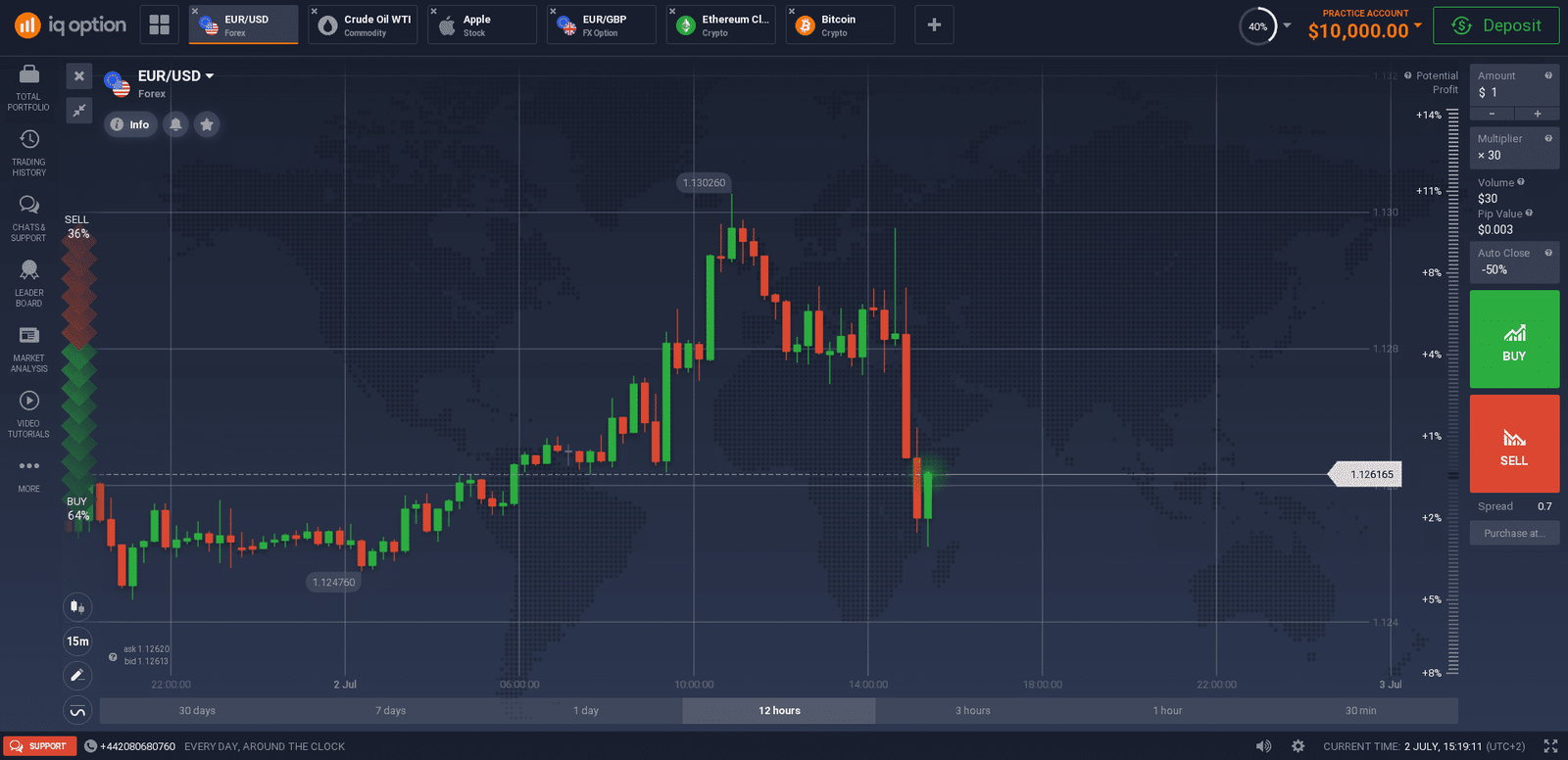
No, you cannot connect MT4 to IQ Option directly.
IQ Option runs on its own proprietary web and mobile trading platform. It does not provide MetaTrader 4 servers, login credentials, or native integration with MT4.
This means you cannot:
- Log into IQ Option from MT4
- Place trades directly from MT4 using IQ Option
- Use MT4 Expert Advisors on IQ Option without additional tools
This limitation exists because IQ Option is designed as a standalone trading environment. However, traders still want to use MT4’s advanced tools. That’s where bridge software comes in.
Why Traders Want to Connect MT4 to IQ Option
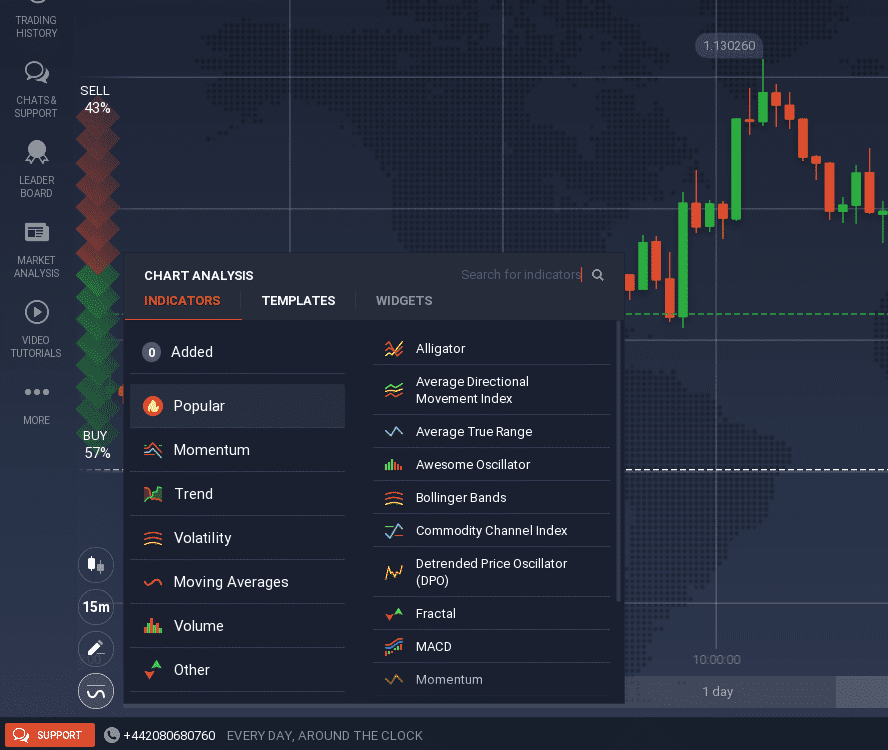
MT4 is extremely popular because of its powerful analysis and automation features. Many traders learn trading on MetaTrader before moving to other platforms.
Traders typically want MT4 because it offers:
- Advanced technical indicators
- Custom scripts and Expert Advisors
- Automated trading strategies
- Strategy testing tools
- A familiar trading interface
IQ Option’s platform is simple and fast, but it does not provide the same level of customization.
Combining both platforms allows traders to analyze markets using MT4 and execute trades on IQ Option.
The Solution: Using a MetaTrader Bridge
Since IQ Option doesn’t support MT4 directly, traders use bridge software.
A bridge acts as a connector between MetaTrader and the broker platform. It reads trading signals from MT4 and sends trade instructions to your broker account.
Think of it as a translator between two platforms that normally cannot communicate.
Bridge software allows traders to:
- Use MT4 indicators
- Automate strategies
- Execute trades based on MT4 signals
- Manage risk automatically
This is the most common method traders use to combine MetaTrader with brokers that don’t support it natively.
What Is MT2Trading?
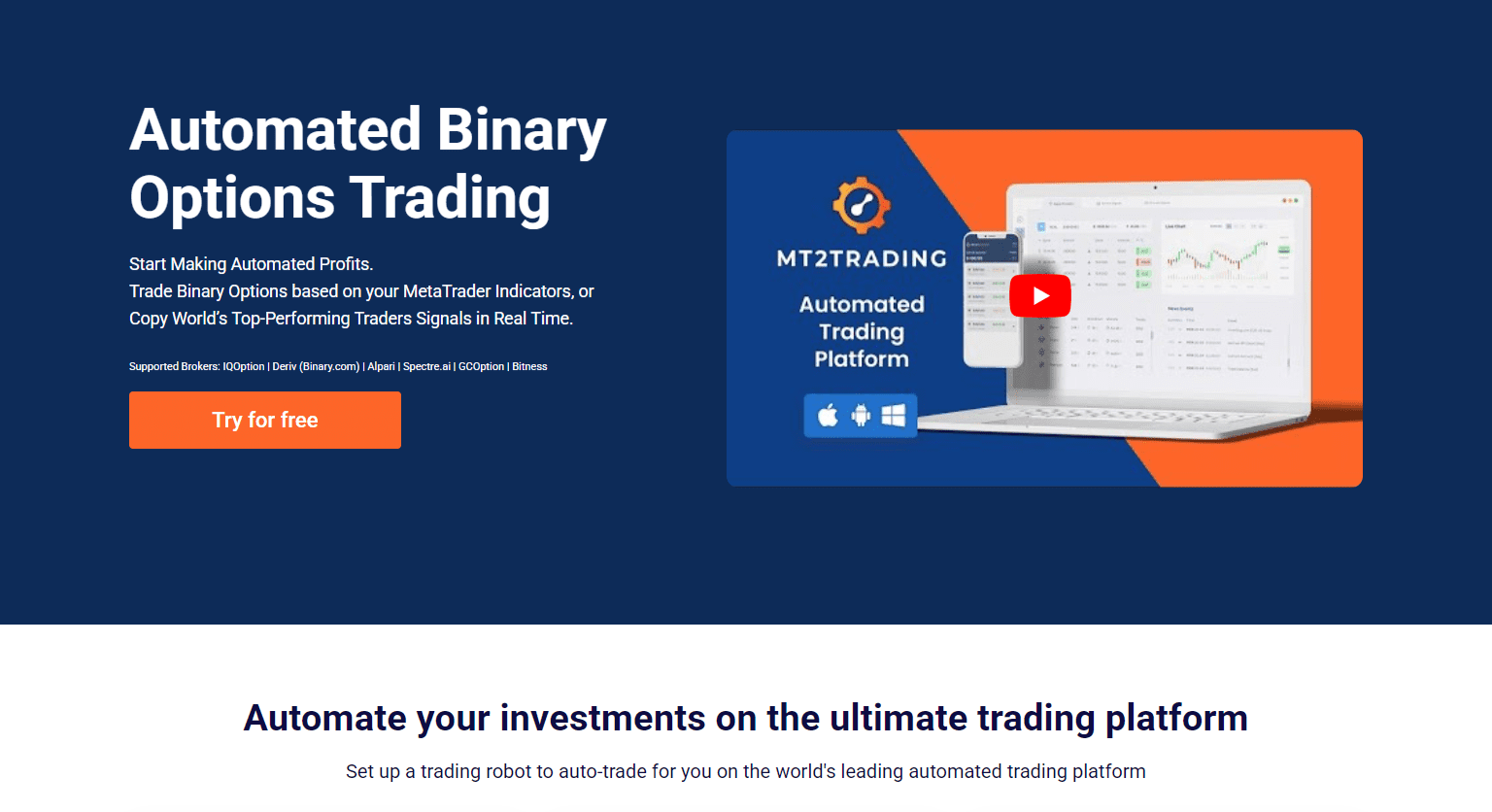
MT2Trading is one of the best-known MetaTrader bridge tools designed to connect MetaTrader 4 or MetaTrader 5 with brokers like IQ Option.
The software acts as a connector between your MetaTrader terminal and your trading account.
Instead of trading directly from IQ Option’s charts, you can use MT4 for analysis and automation while trades are executed on your broker account.
MT2Trading is designed for beginners and advanced traders who want to use MetaTrader indicators, signals, and automated strategies with brokers that don’t support MetaTrader integration.
What You Can Do With MT2Trading
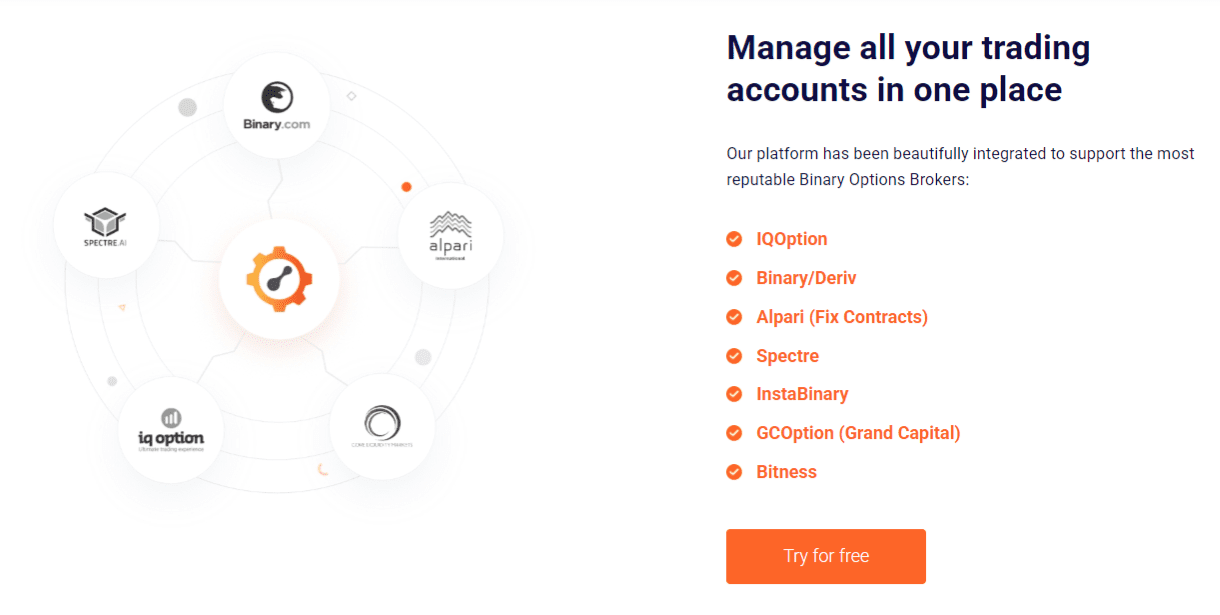
MT2Trading adds many MetaTrader features to your IQ Option workflow.
Key capabilities include:
- Connect MetaTrader 4 or MetaTrader 5 to IQ Option
- Execute trades automatically from MT4 signals
- Use Expert Advisors and indicators
- Copy trades from MT4 to your broker account
- Automate trading strategies
- Apply risk management settings
- Trade directly from MT4 charts
This allows traders to combine advanced analysis with simple trade execution.
Step-by-Step: How to Connect MT4 to IQ Option Using MT2Trading
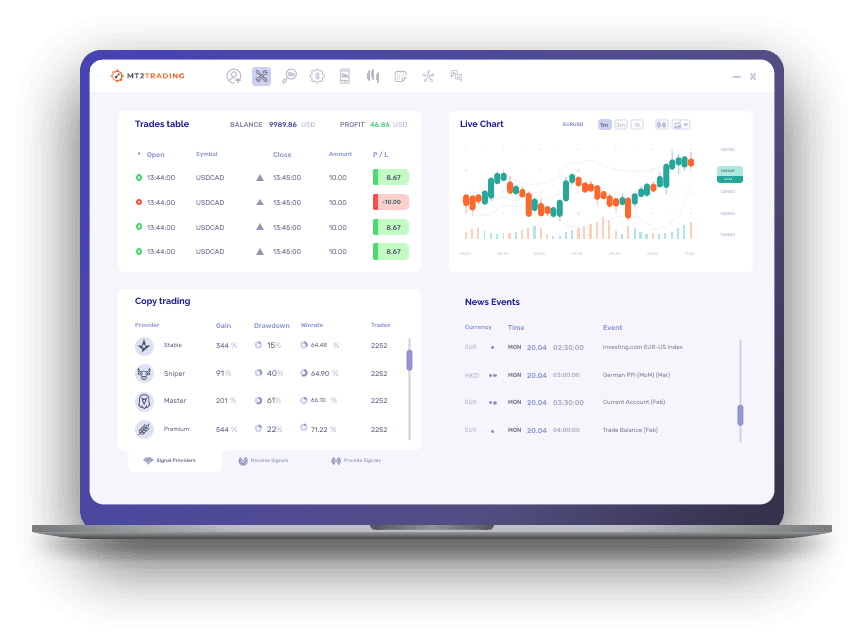
Setting up the connection is easier than many beginners expect.
Step 1 – Create an IQ Option account
Open and verify your trading account if you don’t already have one.
Step 2 – Install MetaTrader 4
Download and install MT4 on your computer.
Step 3 – Download MT2Trading
Visit the official website: – https://www.mt2trading.com/
Create an account and download the software.
Step 4 – Connect MT4 to MT2Trading
Install the MT2Trading plugin inside MetaTrader.
Step 5 – Connect your IQ Option account
Log into your broker account through MT2Trading.
Step 6 – Configure trading settings
Set risk levels, trade size, and automation rules.
Step 7 – Start trading from MT4
Your MetaTrader signals can now execute trades on IQ Option.
Tips for Beginners Using MT4 With IQ Option
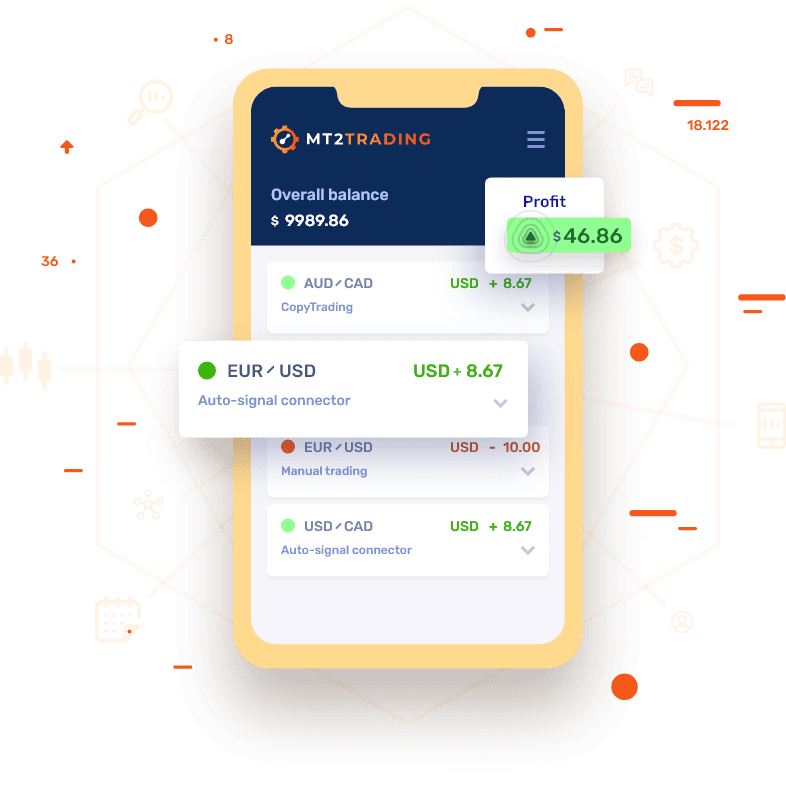
Combining two platforms can feel overwhelming at first. A few simple habits can make the process easier.
Helpful tips:
- Start with demo accounts before using real money
- Keep trading strategies simple
- Avoid running multiple robots at once
- Test strategies before automating trades
- Monitor trades regularly instead of fully relying on automation
Learning gradually helps build confidence and reduce mistakes.
Frequently Asked Questions
Can MT4 Connect Directly to IQ Option?
No, IQ Option does not provide native MetaTrader 4 integration. Traders need bridge software to link the two platforms.
Is MT2Trading Required to Use MT4 with IQ Option?
You need a MetaTrader bridge tool, and MT2Trading is one of the most popular options designed specifically for this purpose.
Is Connecting MT4 to IQ Option Safe for Beginners?
Yes, but beginners should start with demo accounts and test strategies before trading real funds.
Can I Automate Trades on IQ Option Using MT4?
Yes, bridge software allows MT4 indicators, signals, and automated strategies to execute trades on IQ Option.
Conclusion
While IQ Option does not support MetaTrader 4 directly, traders can still connect both platforms using bridge software.
MT2Trading provides a simple way to combine MetaTrader’s powerful analysis and automation tools with IQ Option’s trading environment.
For beginners who want to use indicators, signals, or automated strategies, this setup offers a practical solution without needing to switch brokers.