


Many binary options traders rely only on the charts inside their trading platform, which often leads to rushed entries and impulsive decisions.
TradingView offers a different approach by giving you a dedicated space to analyze price, plan trades, and set alerts before committing real money.
Instead of reacting to every small movement, you can slow down and build a repeatable routine. TradingView isn’t a binary options platform, but it plays a powerful role in preparation and decision-making.
This guide explains how traders use TradingView to study markets, identify opportunities, and approach binary options trading with more structure and clarity.
What TradingView Can and Can’t Do for Binary Options
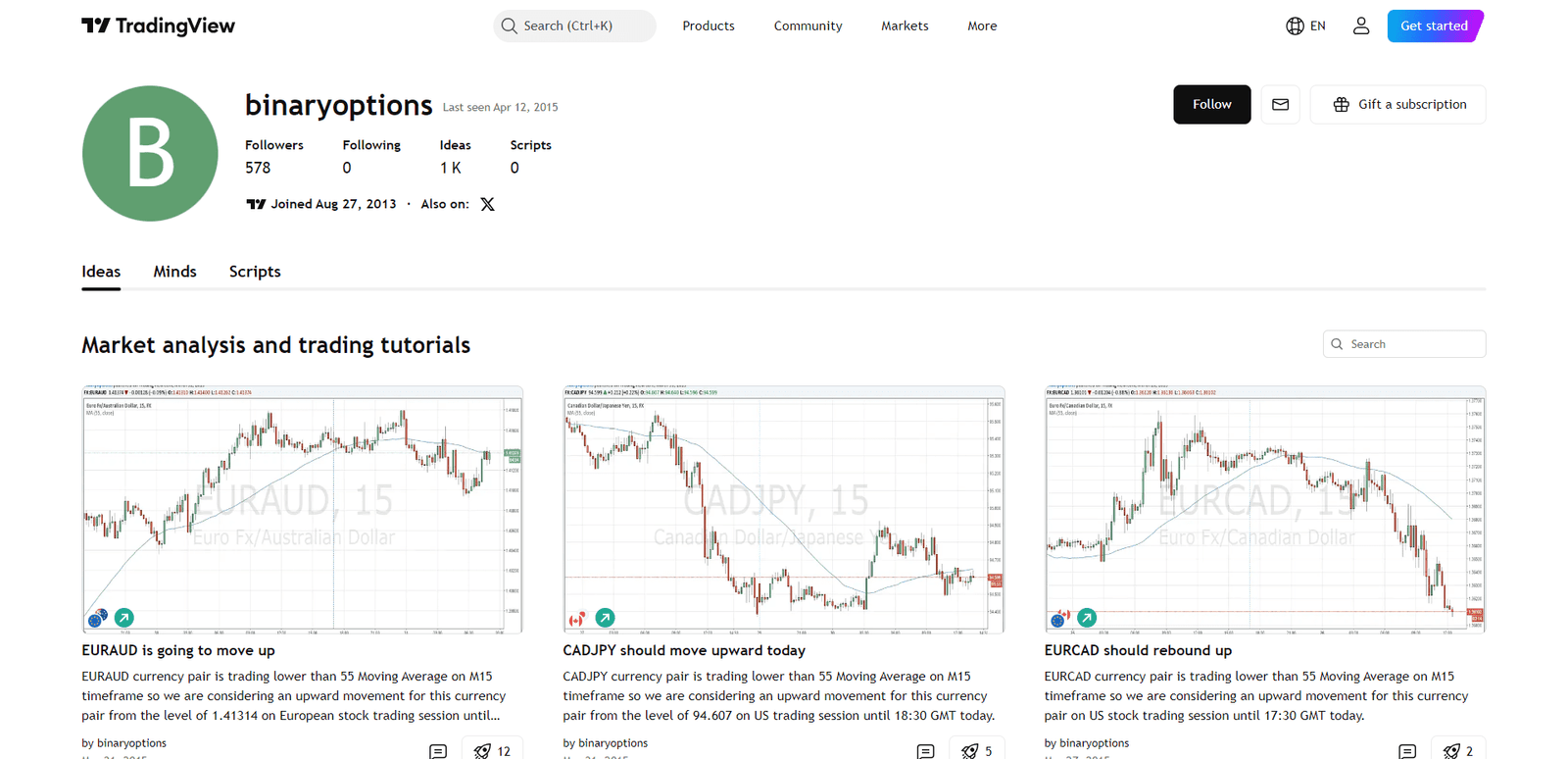
Before diving in, it’s important to understand TradingView’s role.
TradingView helps you:
- Analyze charts and price movement
- Draw levels and trendlines
- Use indicators for confirmation
- Set alerts so you don’t watch charts all day
TradingView usually cannot execute binary options trades directly. Think of it as your decision dashboard, not your trading account.
This separation can actually help as it forces you to analyze first and trade second.
Setting Up a Clean TradingView Chart
A simple chart setup works best. Too many indicators or tools create confusion and slow decisions.
Start by choosing the same asset you trade on your binary platform. This helps keep price movement as close as possible between the two platforms.
Next, pick two timeframes:
- A higher timeframe to understand the overall direction
- A lower timeframe to time potential entries
Many traders switch timeframes constantly and lose context. Keeping a consistent pair of timeframes helps build a routine.
Once your chart looks clear and readable, save the layout. This prevents rebuilding the chart every session.
Marking the Key Price Levels
Before looking for trades, identify where price has reacted in the past. These areas are often called support and resistance.
Instead of drawing perfect lines, treat them as zones where price tends to slow down or reverse.
Focus on:
- Areas where price changed direction multiple times
- Zones where strong moves started
- Levels price struggles to break
These zones often influence short-term movement, which makes them especially useful for binary options timing.
Using Indicators as Confirmation, Not Prediction
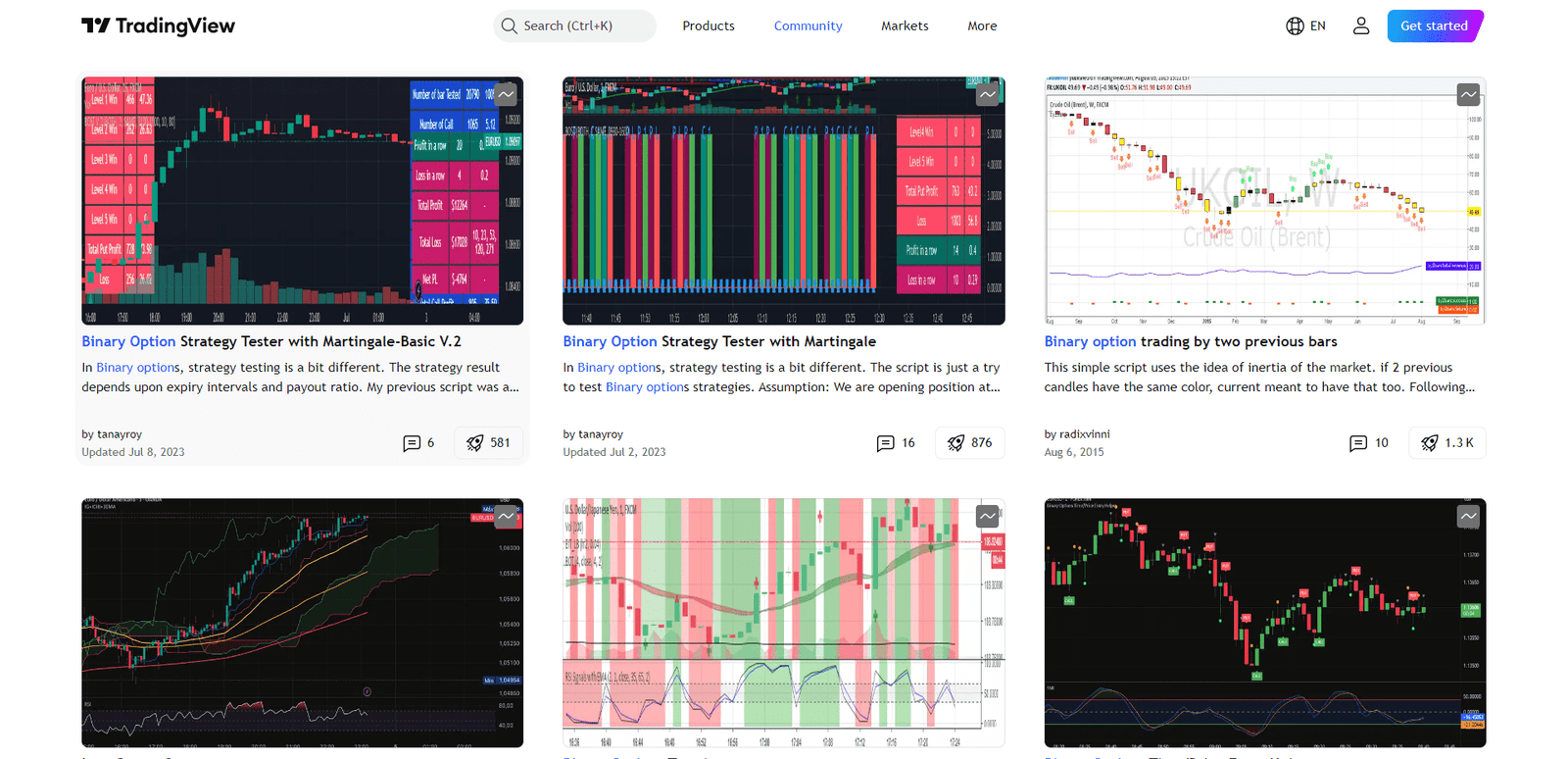
Indicators can help confirm what price is already showing, but they shouldn’t be the main reason for entering a trade. Adding too many indicators often leads to conflicting signals and hesitation.
Many traders prefer one or two simple confirmations. For example, a moving average can show overall direction, while a momentum indicator can highlight overbought or oversold conditions.
The goal is not to predict the market perfectly. Indicators work best when they support a clear idea already visible on the chart.
If the chart looks confusing without indicators, adding more tools usually won’t fix the problem.
Using Alerts Instead of Watching Charts All Day
One of TradingView’s most useful features is alerts. Instead of constantly monitoring charts, you can let price come to you.
Alerts can be placed on:
- Specific price levels
- Trendlines and support or resistance zones
- Indicator conditions
When the alert triggers, you can open your broker and decide whether the setup still makes sense.
This approach helps reduce impulsive trades and keeps your focus on planned opportunities rather than random movement.
Matching Expiry Time to the Chart
Many traders focus on entry timing but forget that expiry time plays an equally important role.
Short expiries require quick, strong movement. If price is moving slowly or sideways, short expiries become harder to trade.
Longer expiries give price more time to move, which can work better when trades are based on broader levels or trends.
Choosing expiry based on what the chart shows helps align the trade with actual market behavior instead of guessing.
Practicing the Process Before Trading Real Money
Using TradingView effectively means building a repeatable routine. Many traders benefit from creating a simple checklist before placing trades.
A basic checklist might include:
- Is the market trending or ranging?
- Is price near an important level?
- Is there confirmation from the chart?
- Is major news expected soon?
Saving screenshots of trades and reviewing them later can also help identify patterns in decision-making. Over time, this habit improves consistency and discipline.
Common Mistakes When Using TradingView for Binary Options
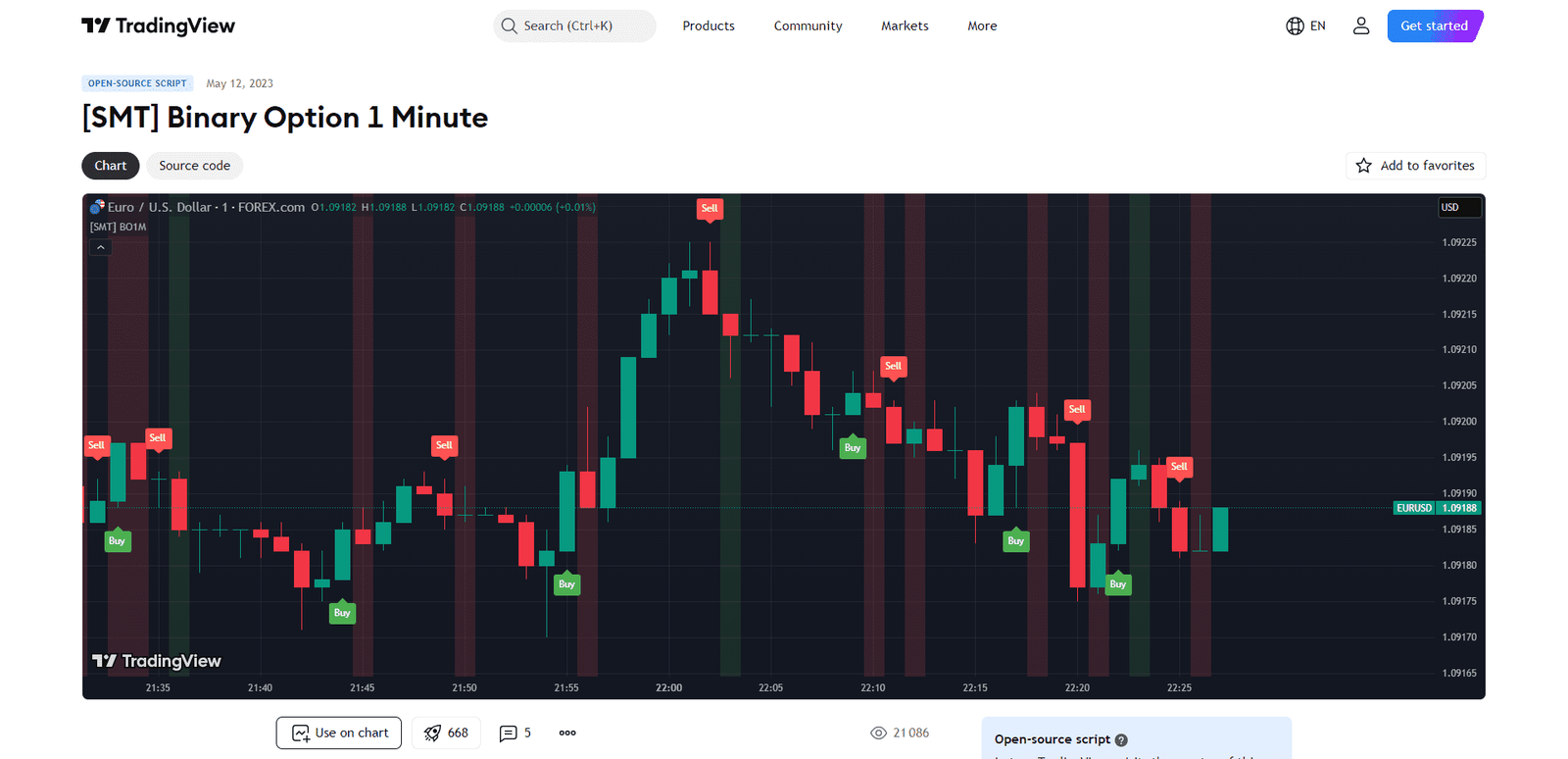
Some mistakes appear frequently when traders start using TradingView.
One common issue is using a different price feed than the broker. Small differences in price can affect entry timing and create confusion.
Another mistake is constantly changing timeframes to find signals. This often leads to overthinking and inconsistent decisions.
Overloading charts with indicators is also common. A crowded chart makes it harder to see the most important information: price itself.
Quick Troubleshooting Tips
If TradingView feels confusing or inconsistent, a few checks can help.
If prices don’t match your broker:
- Confirm the asset and symbol match
- Check the exchange and chart source
- Verify time and session settings
If alerts aren’t triggering:
- Confirm the alert condition is correct
- Check notification settings
- Make sure alerts are active
If the market feels random:
- Move to a higher timeframe to see the bigger picture
- Wait for clearer price movement before trading
Frequently Asked Questions
Can I Place Binary Options Trades Directly on TradingView?
No. TradingView is primarily a charting and analysis tool. Trades are placed on your broker.
Which Timeframe Works Best for Binary Options?
Many traders use a higher timeframe for direction and a lower timeframe for entries.
Why Does TradingView Price Differ from My Broker?
Different data sources and price feeds can cause small variations between platforms.
Are Alerts Useful for Short-Term Trading?
Yes. Alerts help you focus on planned setups instead of watching charts constantly.
Conclusion
Using TradingView for binary options trading is less about finding perfect signals and more about building a structured decision process.
By marking key levels, using simple confirmation tools, setting alerts, and following a consistent routine, traders can reduce impulsive entries and focus on higher-quality setups.
TradingView won’t place trades for you, but it helps you slow down, analyze the market more clearly, and approach trading with better discipline. Over time, this structured workflow can make trading decisions feel more controlled and less reactive, which is often the biggest step toward improving consistency.